> For the complete documentation index, see [llms.txt](https://bigruan.gitbook.io/react-keyboard/llms.txt). Markdown versions of documentation pages are available by appending `.md` to page URLs; this page is available as [Markdown](https://bigruan.gitbook.io/react-keyboard/readme.md).
# Introduction
react-keyboard is wrap of mousetrap.js in React, it offers keyboard shortcuts handling in React application.
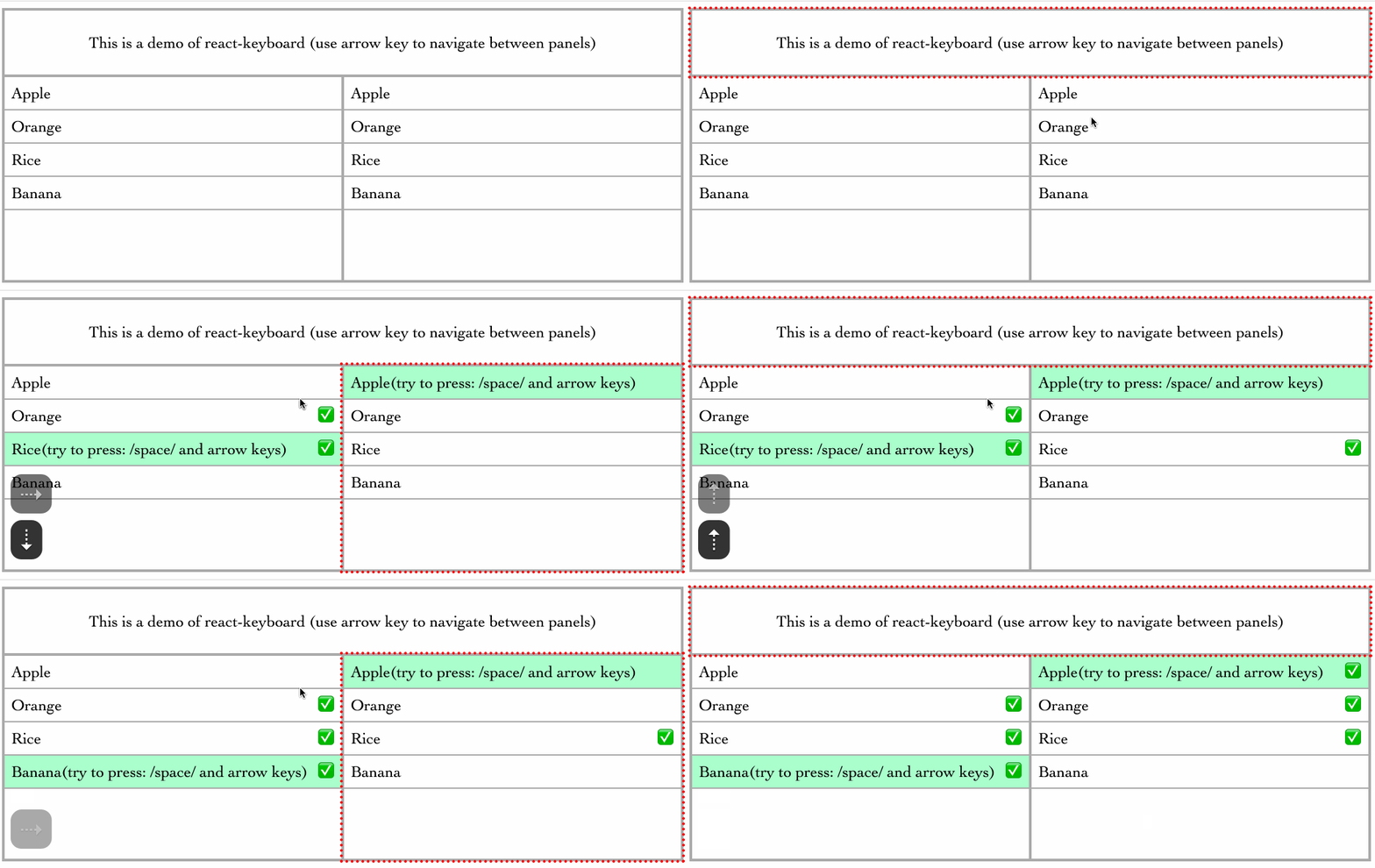
## Getting started
### Install
```bash
npm install react-keyboard
```
### Usage Example
#### Defined keyMap
```typescript
const keyMap = {
cmdK: {
combo: 'command+k',
eventType: 'keyup',
},
deleteNode: ['del', 'backspace'],
left: 'left',
}
```
A KeyMap is an object which value is the key sequence. The key sequence can be:
1. `string` which can be a single key `left` or combination of keys `command+k`
2. `array` which is an array of multiple key commands: `['del', 'backspace']`
3. `object` only use an object if you need to listen to specific event type: `{combo: 'command+k', eventType: 'keyup'}`
#### Use HotKeys Component
```typescript
import { HotKeys, Handlers } from 'react-keyboard'
export class MyHotKeys extends React.Component {
showDocumentation = () => {
console.log('show doc')
}
deleteNode = () => {
console.log('deleted')
}
moveLeft = () => {
console.log('move left')
}
showChildDocumentation = () => {
console.log('show child doc')
}
handlersParent = {
cmdK: this.showDocumentation,
deleteNode: this.deleteNode,
}
handlersChild = {
cmdK: this.showChildDocumentation,
left: this.moveLeft,
}
render() {
return
this is my hotkeys
A child
}
}
```
Note: Child HotKeys components can inherit `keyMap` from their parents. You don't necessarily define `keyMap` for each child if parents already have the shortcuts you need.